
Lately spammers seem to be coopting a feature in Gmail, and other email platforms, where a calendar appointment is automatically entered into a user’s calendar. To prevent these appointments from automatically appearing through your Gmail account, watch my demonstration to disable this feature or follow the instructions below:
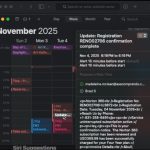
How to configure Gmail to only allow appointments from known senders.
- Log into your calendar at https://calendar.google.com
- Click the settings icon/settings menu.
- Scroll to “Event Settings”.
- Change the contextual menu from “Add invitations to my calendar – From everyone” to “Only if the sender is known.
I hope this helps!